We just released Prisma ORM v6.17.0 with several bug fixes and improvements. Additionally, connecting to Prisma Postgres using your favorite ORM or DB tool is now Generally Available. Check out the article for even more updates!
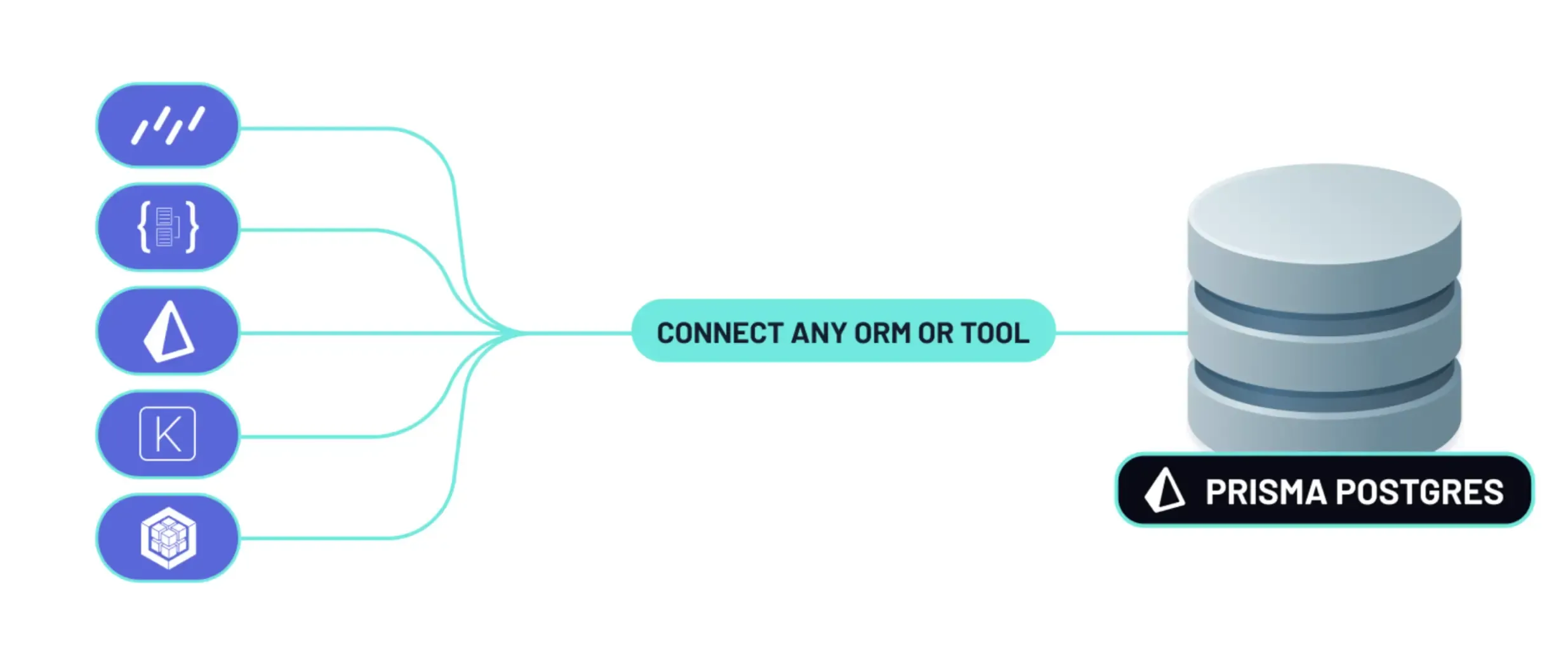
Want to use Prisma Postgres with Drizzle, Kysely or connect to it from a DB GUI like Postico or TablePlus?
Using Prisma Postgres with Prisma ORM is great because it gives you connection pooling, global caching and overall an amazing DX.
That being said, we understand that preferences vary and some developers prefer to use plain SQL or lower-level query builders in their applications. As of this release, these ways for connecting to Prisma Postgres are now officially Generally Available (GA) and can be used in your production apps!
You can connect using Drizzle, Kysely, TypeORM, psql, or any other Postgres-compatible library, database migration tools like Atlas or interfaces like DBeaver, Postico, and more.
Added support for Entra ID (ActiveDirectory) authentication parameters for the MS SQL Server driver adapter. For example, you can use the config object to configure DefaultAzureCredential:
import { PrismaMssql } from '@prisma/adapter-mssql'import { PrismaClient } from '@prisma/client'const config = { server: 'localhost', port: 1433, database: 'mydb', authentication: { type: 'azure-active-directory-default', }, options: { encrypt: true, },}const adapter = new PrismaMssql(config)const prisma = new PrismaClient({ adapter })
Relaxed the support package range for @opentelemetry/instrumentation to be compatible with ">=0.52.0 <1". Learn more in this PR.
Added Codex CLI detection, ensuring dangerous Prisma operations are not executed by Codex without explicit user consent. Learn more in this PR.
Fixed JSON column handling when using a MariaDB database. Learn more in this PR.
Restored the original behaviour of group-by aggregations where they would refer to columns with explicit table names which fixes a regression that would result in ambiguous column errors. Learn more in this PR.
We recently made the Rust-free Prisma ORM, ESM-first prisma-client generator and Prisma Config Generally Available. Together, they form the future of Prisma ORM.
As of today, you still need to opt-into using these features, however they'll become the default with the upcoming v7 launch.
We recommend that you give them a try already today! Here's what you need to do:
Afterwards, run prisma generate so that your generated Prisma Client gets updated. We also recommend deleting and re-installing node_modules via npm install so that the previous version of prisma-client-js inside node_modules gets cleared properly.
If you're using Prisma ORM without Rust engines, you have full control over the database connections by using your preferred JS-native driver library. For example, if you're using PostgreSQL, you can use the pg driver via the @prisma/adapter-pg driver adapter.
First, install the npm library:
npm install @prisma/adapter-pg
Then use the driver adapter to instantiate PrismaClient:
import { PrismaClient } from './generated/prisma'import { PrismaPg } from '@prisma/adapter-pg'const adapter = new PrismaPg({ connectionString: env.DATABASE_URL })const prisma = new PrismaClient({ adapter })// ... send queries using `prisma` like before
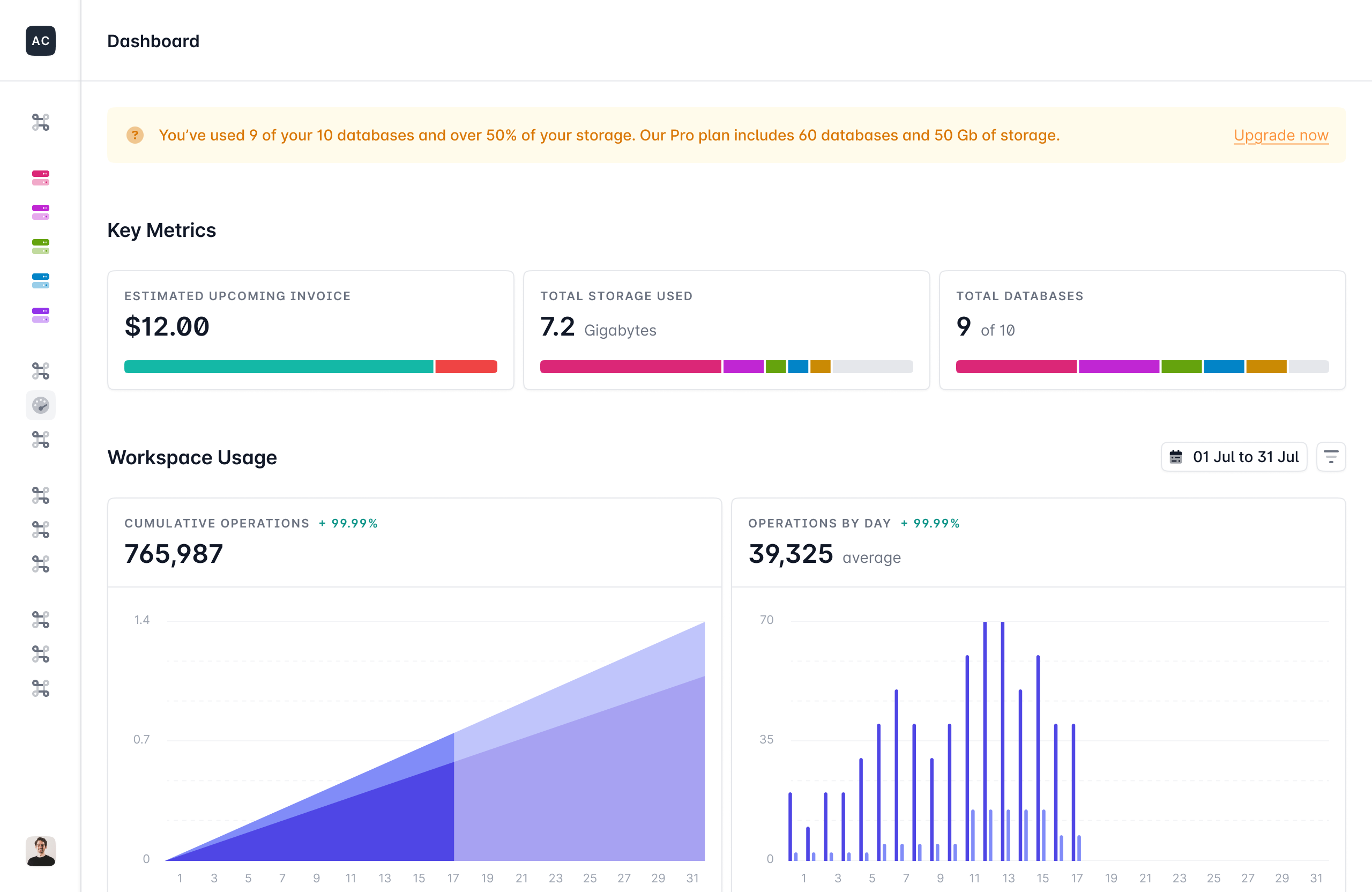
This week we've launched direct TCP connections for Prisma Postgres, this means you can now connect to Prisma Postgres with any tool in your production applications! Additionally, we've added new musage metrics that show give you the most important information about your database at a single glance!
Let us know your thoughts, questions and feedback on X and join the conversation on Discord.
Nikolas was employee #3 at Prisma and spent 9 years teaching developers about ORMs and databases. He left in October 2025 to focus on his own projects and work as an independent Software Engineer and Developer Educator.